Knowledge base
/
Getting started
Knowledge Base
Everything you need to know about using MentalHappy
How to Invite People | Start Here — MentalHappy
📣 Grow Your Group
Now bring people in.
With your group live and Stripe connected, it’s time to announce it and invite your first members. Aim for an initial core of 5–10 people to build momentum.

📍 On this page

Step 12: Announce Your Group Step 13: Invite Members

✅ Announce & Invite

Promote your group, then bring your first members on board.
12
Announce Your Group
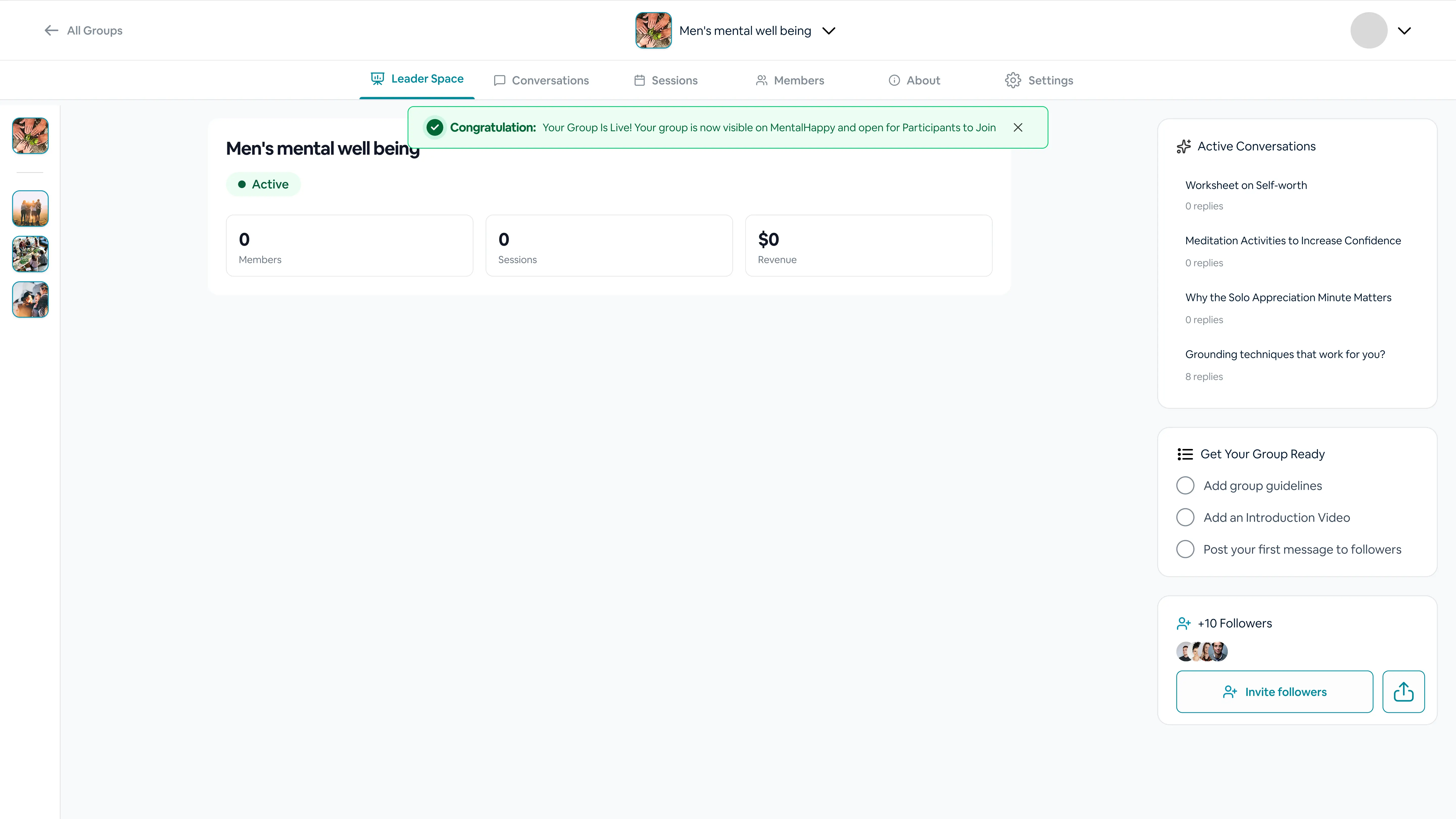
Promoting your group to attract members.

👉 What to do
  • Use “Announce Group”
  • Share your link
🎯 Why this matters

Drives traffic and visibility.

✨ Tips
  • Share in communities, email, and social media
MentalHappy leader space group live banner
13
Invite Members

Bringing your first users into the group.

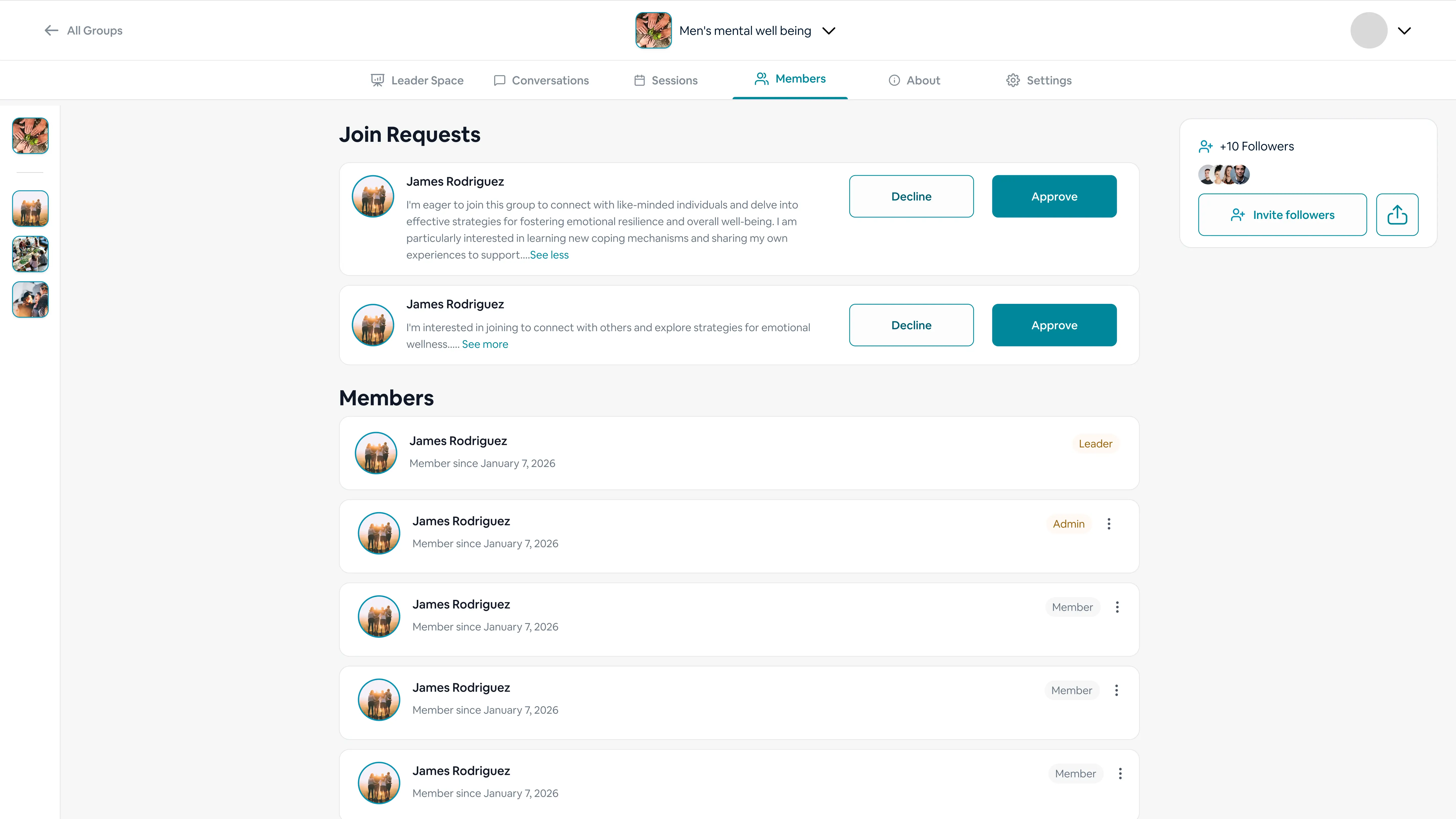
👉 What to do
  • Send invites
  • Share your link
⚙️ What happens in the system
  • Users can follow or join
✨ Tips
  • Invite at least 5–10 initial members
MentalHappy manage group join requests screen

📤 Invite Methods

Different channels you can use to spread the word and grow your group.
🔗 Share your group link

Copy your unique group link and post it anywhere — the fastest way to let people follow or join.

✉️ Email invites

Send direct invitations to your existing contacts and waitlist so they’re first through the door.

📱 Social media

Announce on the platforms where your audience already spends time to reach beyond your network.

👥 Communities

Share in relevant communities and forums where members would genuinely benefit from your group.


Once your first members join, head back to Page 2 to verify the join flow and follow the post-launch best practices.